> For the complete documentation index, see [llms.txt](https://docs.inspiredflight.com/inspired-documentation/llms.txt). Markdown versions of documentation pages are available by appending `.md` to page URLs; this page is available as [Markdown](https://docs.inspiredflight.com/inspired-documentation/products/ground-control-stations/gs-one/home-screen-and-navigation.md).
# Home Screen & Navigation
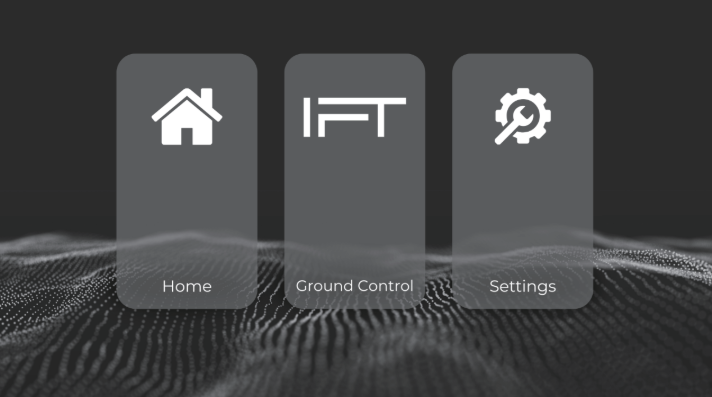
The home screen contains three icons for accessing main functions.
* To access the Android home screen, tap the **Home** menu.
* To launch the flight control software, **IGC**, select the middle button.
* Select **Settings** to view GCS settings information.
{% hint style="warning" %}
Note: For normal use, it should not be necessary to modify anything in the Settings page. Please contact IFT Customer Success for help troubleshooting any issues with an aircraft or GCS.
{% endhint %}