> For the complete documentation index, see [llms.txt](https://docs.inspiredflight.com/inspired-documentation/llms.txt). Markdown versions of documentation pages are available by appending `.md` to page URLs; this page is available as [Markdown](https://docs.inspiredflight.com/inspired-documentation/products/inspired-suite/elevate/how-to/authorizing-pilots-to-fly-an-aircraft.md).
# Authorizing Pilots to Fly an Aircraft
{% hint style="warning" %}
These actions require Fleet Manager permissions.
{% endhint %}
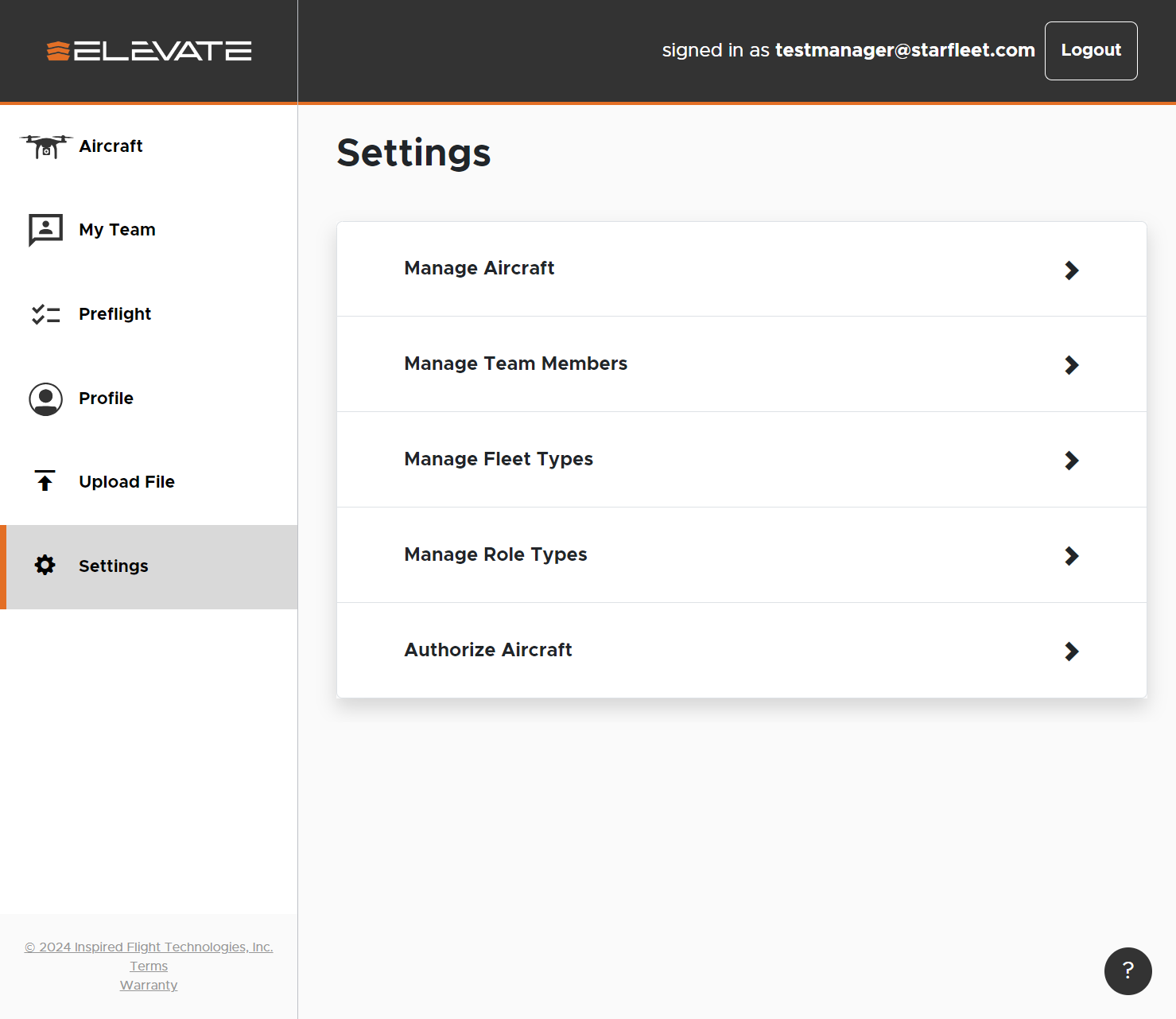
To authorize your pilots to fly an aircraft, and see it when they log in, go to the settings tab in the left navigation bar. In the settings screen, hit 'Authorize Aircraft' at the bottom of the options.
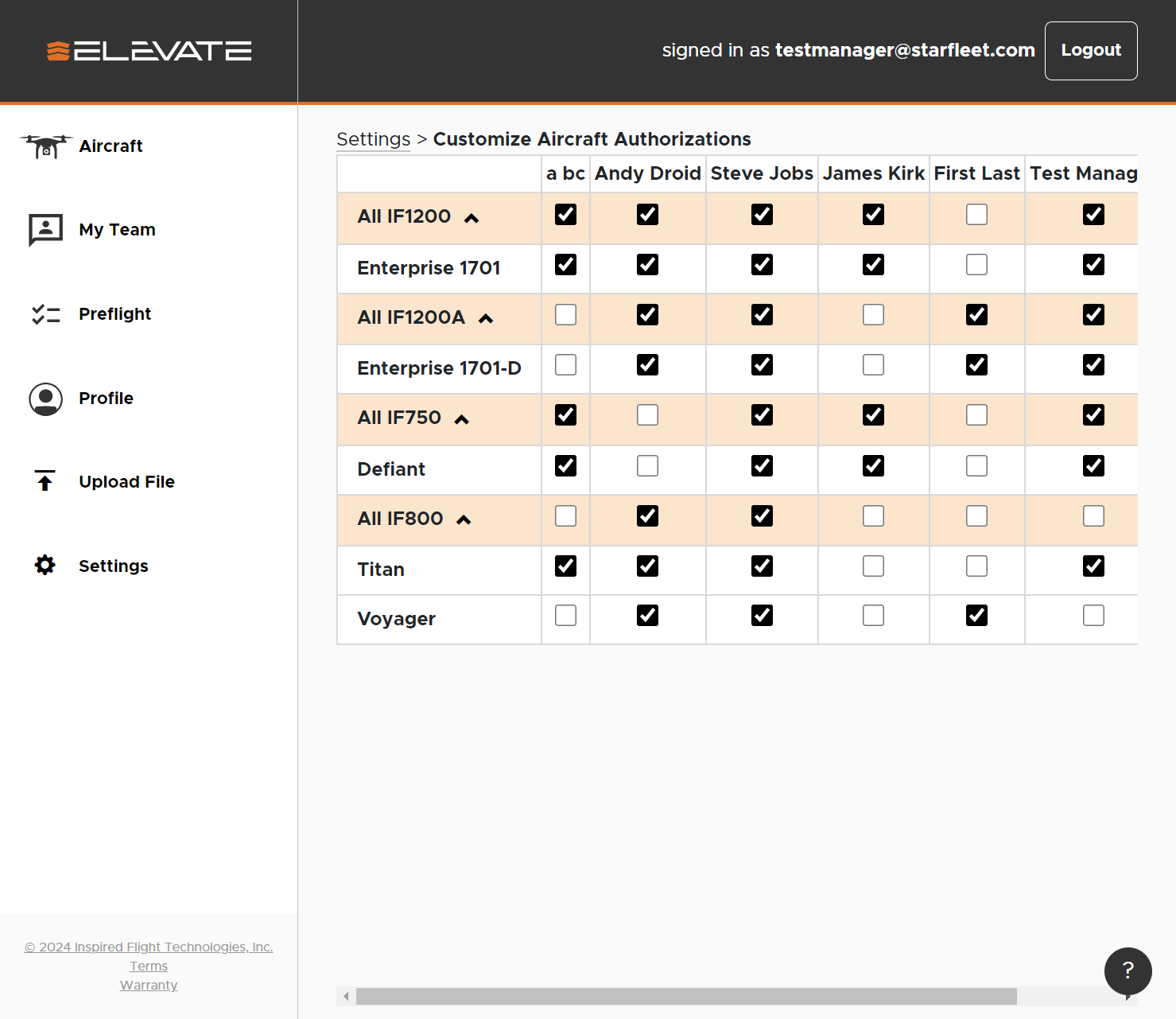
Here, you can scroll left to right to see your team members that can be assigned aircraft, and all aircraft that is assignable. Checking or unchecking an aircraft for a pilot automatically saves it to that persons profile.