> For the complete documentation index, see [llms.txt](https://docs.inspiredflight.com/inspired-documentation/llms.txt). Markdown versions of documentation pages are available by appending `.md` to page URLs; this page is available as [Markdown](https://docs.inspiredflight.com/inspired-documentation/products/payloads/payload-swapping/payload-swapping-setup-igc-1.4-and-later.md).
# Payload Swapping Setup (IGC 1.4 and Later)
## Confirm Herelink Settings are Set Correctly
{% hint style="warning" %}
This only applies to customers with IF800-Herelink or IF1200-Herelink vehicle configurations coming from IGC 1.3 or earlier.
{% endhint %}
| Ensure the aircraft is turned off and the Herelink is turned on. |
| ----------------------------------------------------------------------------------------------------------------------------------------------------------------------------------------------------------------------------------------------------------------------------------------------------------------------------------------------------------------------------------------- |
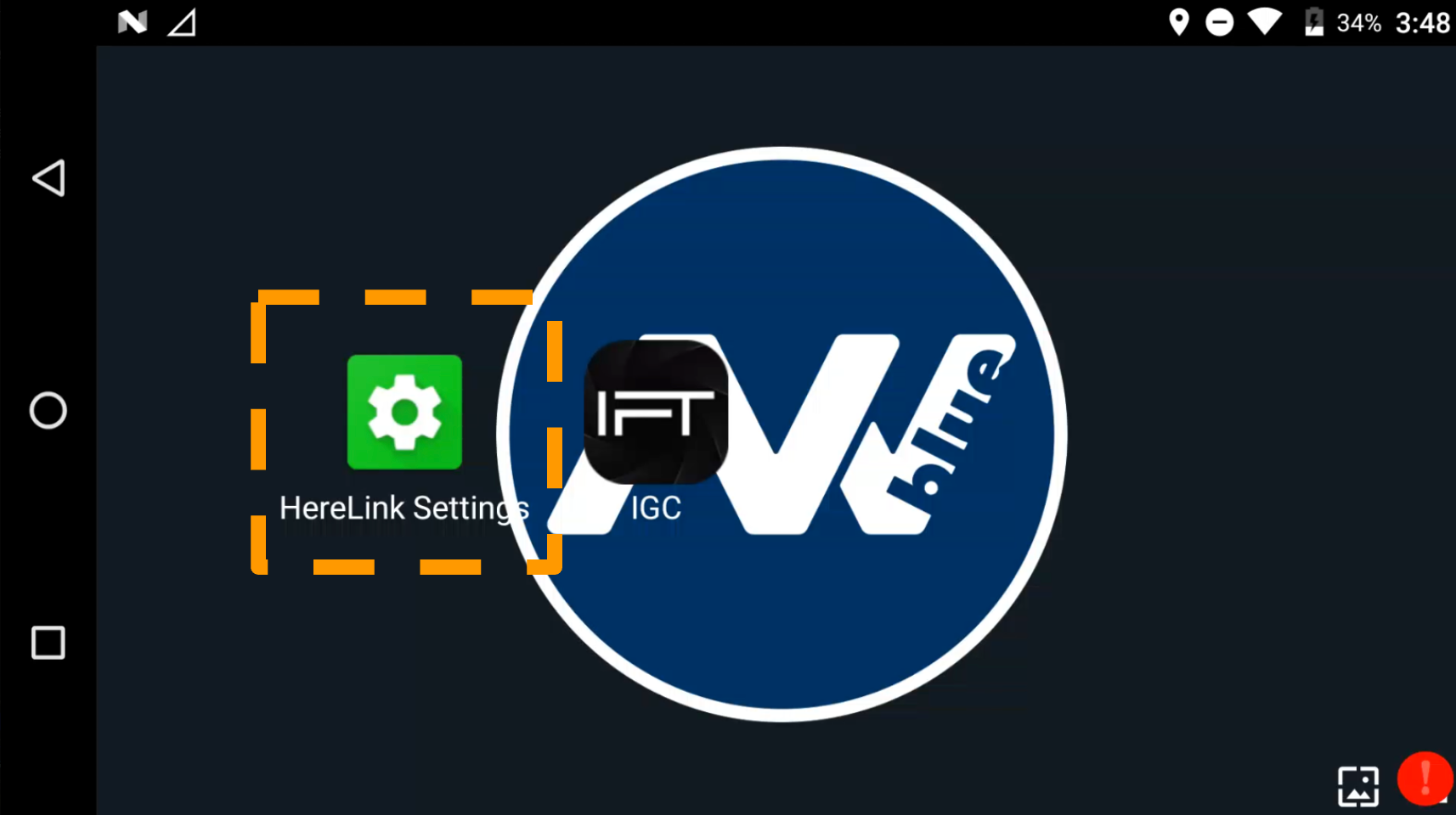
| Navigate to Herelink Settings.
|
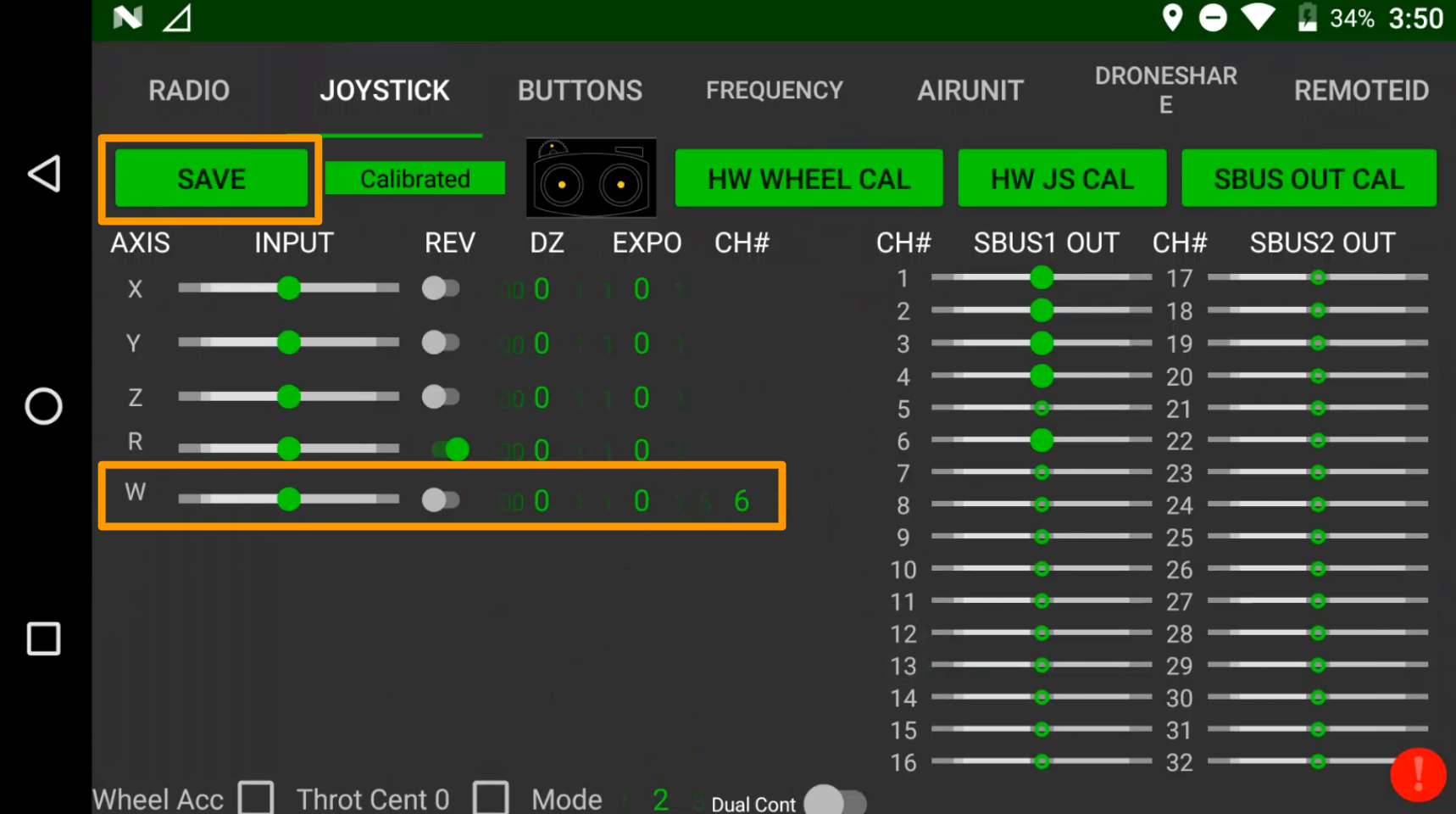
| In Joystick Tab, set CH# to 6 for the w-axis (gimbal). Select “Save”.
|
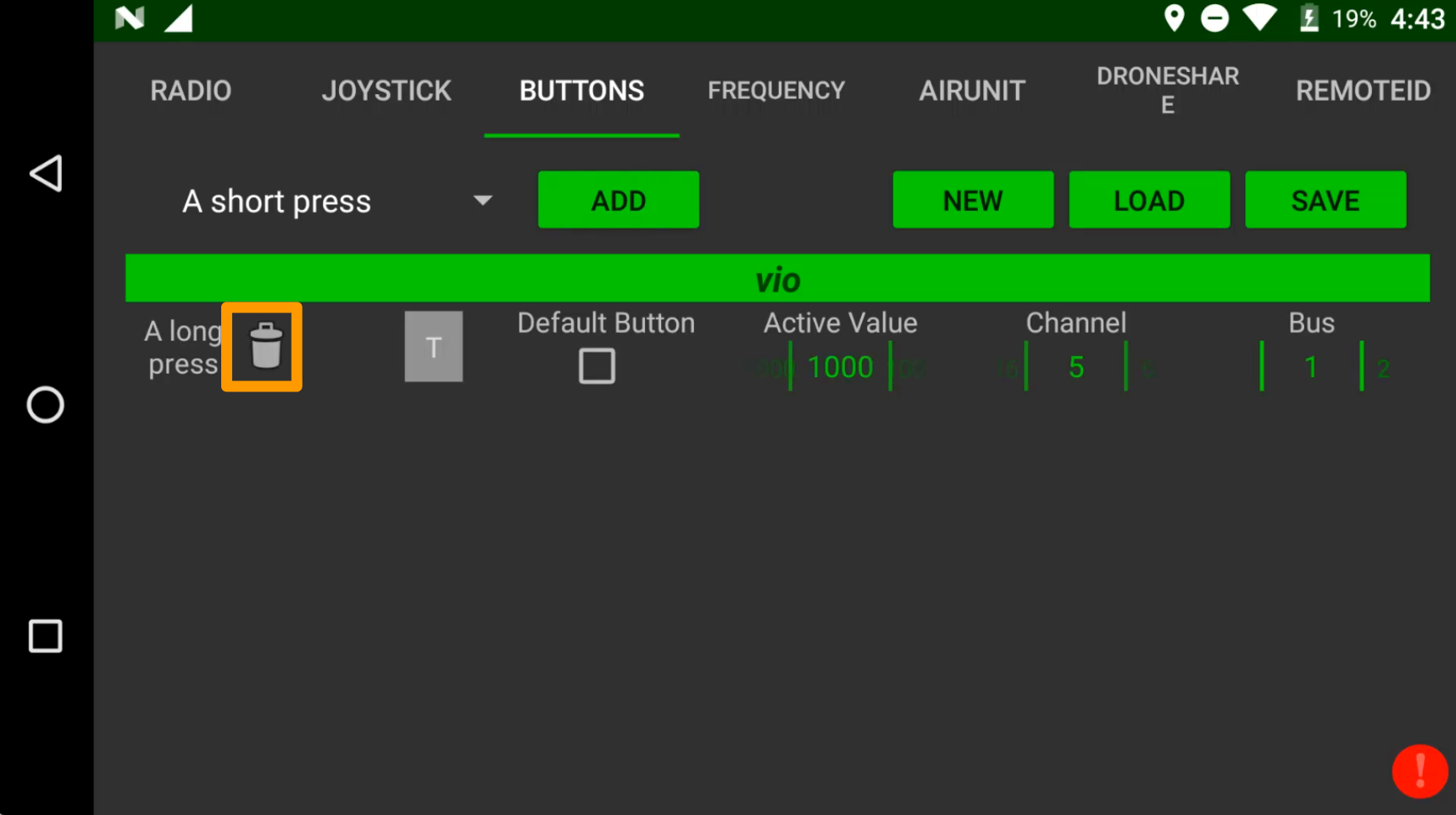
| (Optionally) In Buttons Tab, remove saved buttons, then select "Save" again.
|
## (For Vio) Setting RC Mode to Standard
| Power on the drone with the payload |
| ----------------------------------------------------------------------------------------------------------------------------------------------------------------------------------------------------------------------------------------------------------------------------------------------------------------------------------------------------------------------------- |
| Navigate to extended menu settings.
|
| In the extended menu, set RC mode to Standard.
|